
A guide for every pour.
Follow the recipe, watch the timer, and know what comes next.
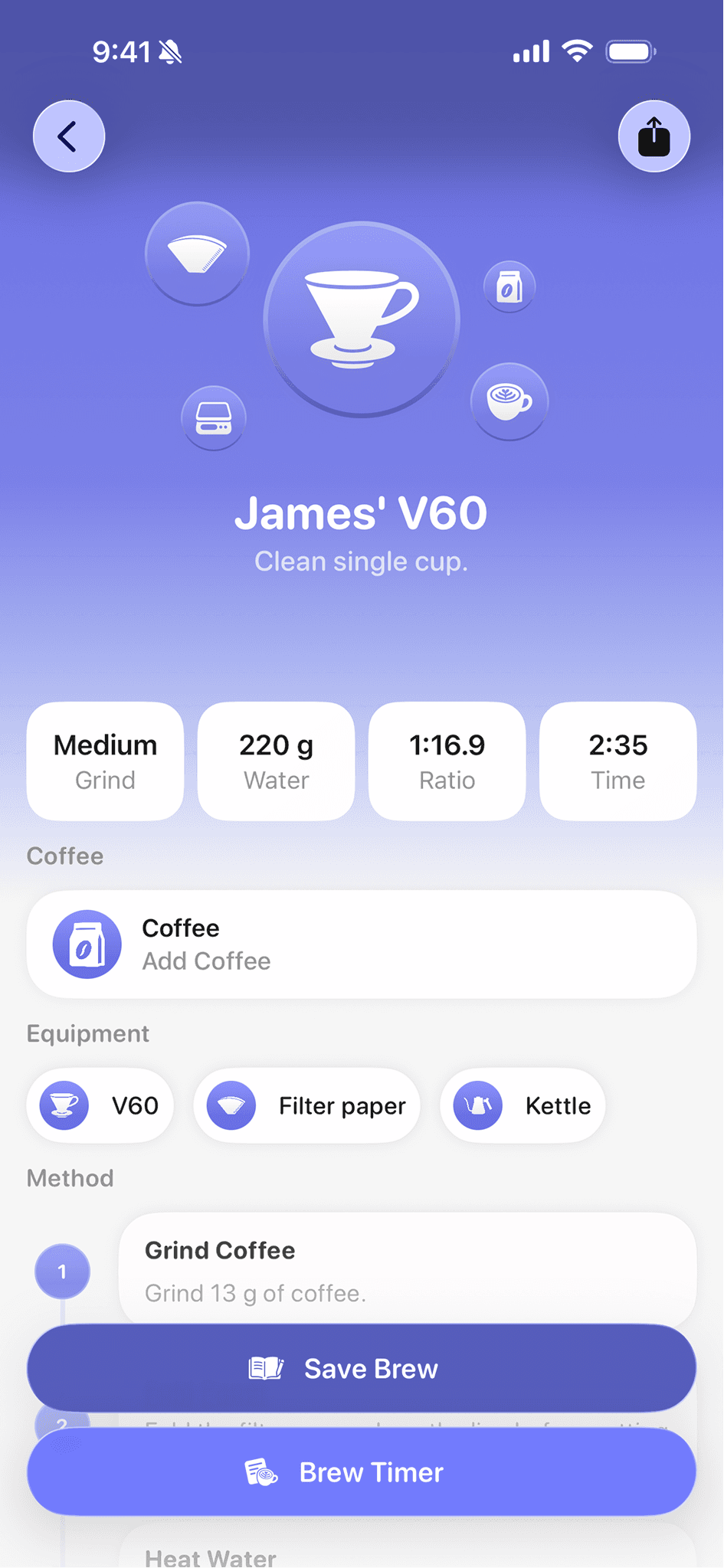
Explore brew guidesJames’ V6013 g coffee · 220 g water
Step 1 of 9: Pour water. 40 g Pour in a spiral.
The beans. The grind. That one perfect cup.
Keep the little details that make your coffee yours.
From your first pour to your next favourite.
Follow the recipe, watch the timer, and know what comes next.
Explore brew guidesDose, grind, yield, time. Keep the settings behind your favourite shot.
Explore espresso dial-inYour beans, tasting notes, and brew history. Ready when you want to make it again.
Explore the journalPick your brewer. Find your next recipe.
Grind 13 g of coffee medium. Fold and fit the paper filter, rinse it, and discard the rinse water. Heat your brewing water to 94°C. Add the coffee and tare the scale.
Pour 40 g of water in a spiral from the outside towards the centre, wetting all the grounds. Allow the coffee to bloom for 40 seconds.
Put your favourite brewers on your Home Screen or Lock Screen with Coffee Book widgets.
Follow each step from your Lock Screen or Dynamic Island. Your Live Activity keeps the timer close.
Use Siri and Shortcuts to open your preferred brew method or a saved brew guide.
Coffee Book is free to download and try. Coffee Book Plus unlocks more, including unlimited brew logging. You can see the available plans and local prices in the app.
Coffee Book is available on iPhone, iPad, and Apple Vision. The current iPhone and iPad app requires iOS or iPadOS 26 or later.
No. You can enter your weights manually and use a regular kitchen scale. Supported Bluetooth scales are an optional extra.
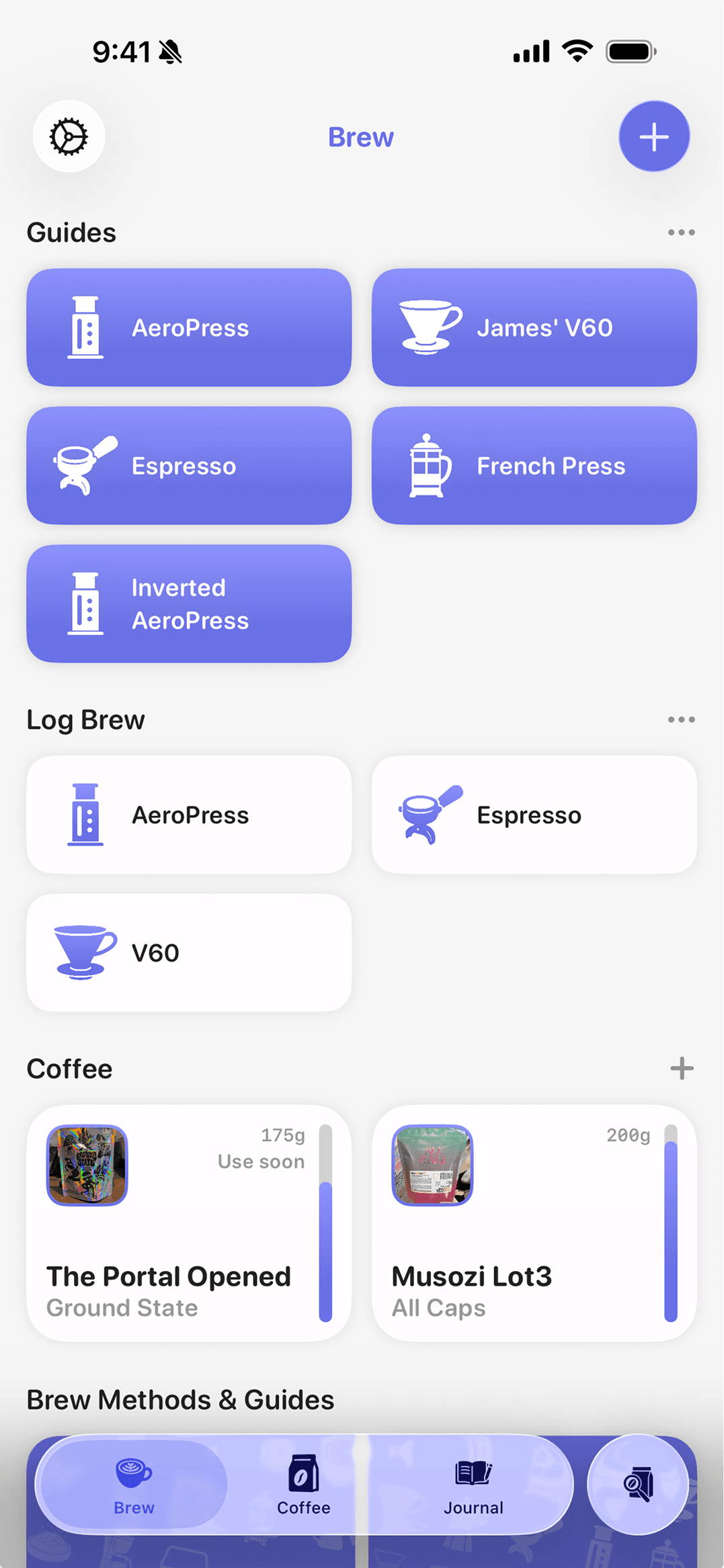
Espresso, V60, AeroPress, Chemex, French press, and more. Use a guide to get started, or save the recipe you already love.
Save your beans, recipes, and tasting notes on iPhone and iPad.